
How to Make a 'Days Until' Countdown to Any Date
A 'days until' countdown answers a simple question - how many days until the thing you care about - and keeps answering it automatically, every single day.
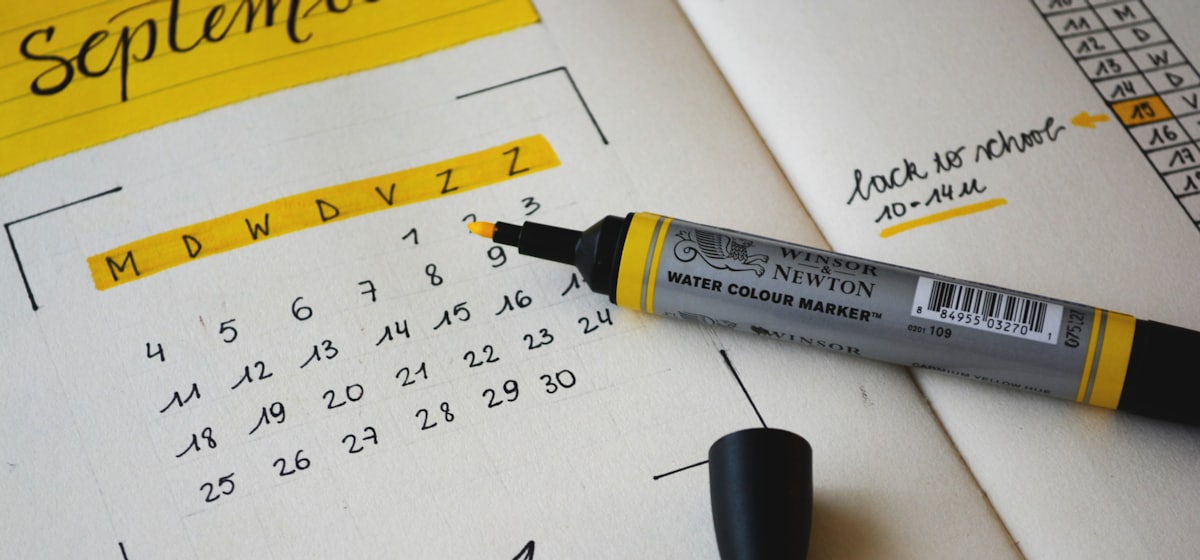
You have probably typed "how many days until Christmas" into a search bar at some point. A "days until" countdown turns that one-off question into something permanent: a live counter tied to a specific date that updates on its own. Instead of checking a calendar, you glance at the number and know exactly how many days are left.
What a "days until" countdown actually is
It is a counter that measures the gap between now and a fixed moment in the future, then shows you the result as days left (and optionally hours, minutes and seconds). The date stays put; the number shrinks as time passes. A countdown to 25 December will read "197 days" today and "196 days" tomorrow without you touching it.
People build these for all sorts of reasons:
Common occasions
Holidays like a days until Christmas or days until New Year counter. Product launches and sale start dates. Weddings and anniversaries. Exam or coursework deadlines. Trips and holidays abroad. Retirement. A baby's due date. Anything with a real date attached is fair game for a countdown to an event.
The manual way vs an automatic one
The manual approach is to count on a calendar or subtract one date from another. That works once, but it is stale the moment you close the tab, and you have to redo the sum every day. A date-difference tool such as the one at timeanddate.com is handy for a quick one-off calculation.
An automatic countdown to a date is different: it recalculates continuously in the visitor's browser, so it is always current and always correct for whoever is looking at it. You set it up once and it looks after itself.
How to build one in Rija
Here is the full process, start to finish. If you would rather see the styling options in depth first, the guide to the countdown timer maker walks through every control.
1. Pick the date & timezone
Set your target end date and time - say, 00:00 on 25 December 2026 - and choose the timezone it should count to. This matters for shared events: a launch at 09:00 New York time will show the correct days left whether the visitor is in London, Sydney or Los Angeles, because the countdown resolves the moment in each visitor's own timezone.
2. Choose what to display
Decide whether you want days only, or the full days / hours / minutes / seconds breakdown. For a distant date like a wedding a year out, days only reads cleanly. For a launch happening this week, the full breakdown builds more urgency.
3. Style it
Pick from over 1000 Google Fonts, set your digit and label colours, and choose a background - a solid colour or a gradient on the free plan, or an image or video on Pro. Add a digit animation if you like (flip, slide, fade or pulse) and set the exact pixel size so it fits your layout. On Pro you can also add your logo and a call-to-action button.
4. Publish
When you publish, Rija gives you two things: an embed snippet (a small <script> or iframe you paste into your site) and a hosted timer URL you can share directly. Use whichever fits.
Embed it or share the link
If you run a website, paste the embed snippet into your page and the countdown appears inline, styled exactly as you set it. If you do not have a site - or you just want to drop it into an email, a message or a social post - copy the hosted link instead. Anyone who opens it sees your live event countdown in their browser, counting correctly for their own timezone.
A few concrete examples
A shop building hype for a Black Friday sale on 27 November 2026 embeds a full days/hours/minutes/seconds counter on its homepage. A couple getting married on 15 August 2026 shares a hosted "days until we say I do" link on their invite site. A student sets a days until counter for their final exam on 3 June 2027 as a private motivator. A creator counting down to days until New Year drops a link in their channel description. Same tool, one date each, no maintenance.
Because the count runs live in the browser and updates every day, you never touch it again once it is published. It stays accurate to the minute you chose, for every visitor, in every timezone.
How do I make a countdown to a specific date?
Set your target date, time and timezone, choose whether to show days only or the full days/hours/minutes/seconds breakdown, style it, then publish. You get an embed snippet and a shareable link.
Will the countdown show the right number of days in every timezone?
Yes. It runs in each visitor's browser and resolves your chosen moment against their local timezone, so everyone sees the correct days left for where they are.
Can I make a free "days until Christmas" countdown?
Yes. The free plan gives you unlimited timers and views with a small Rija watermark, gradient backgrounds and custom pixel sizing. Pro ($7/mo or $59/yr) removes the watermark and adds image/video backgrounds, logo upload, CTA buttons and analytics.